
TauriMule: Modern P2P Desktop Client for aMule with Tauri v2 & Rust
Source codeDownload v0.1.0
More than two decades after their creation, the decentralized eDonkey2000 (eD2K) and Kademlia (Kad) peer-to-peer networks remain one of the richest community-driven archives of historical files, rare recordings, vintage software, and out-of-print media. However, traditional clients (such as eMule or official aMule GUI) remain frozen in early-2000s design and legacy tooling: heavy MFC or wxWidgets interfaces, High-DPI scaling artifacts, and unnecessary system overhead.
To breathe new life into these networks while preserving the maturity and dependability of a battle-tested core, I created TauriMule: a native Windows desktop client built with Tauri v2, Rust, and TypeScript, wrapped in clean Microsoft Fluent Design (WinUI 3).
TauriMule is available for Windows both as a standard .exe installer and as a standalone portable .zip.
Architecture: Decoupling Frontend & Engine
The primary architectural achievement of TauriMule is avoiding reinventing the wheel while maintaining protocol compatibility. It strictly separates the modern client interface from the network engine:
- Fluent Frontend (WebView2 + TypeScript): a reactive, clutter-free user interface powered by Segoe UI Variable typography, dark/light theme switching, and instant live multilingual translation.
- Native Rust Bridge (Tauri v2 IPC): manages process supervision (sidecar supervisor), system tray integration, and low-latency binary IPC.
- Official aMule Engine (
amuled): runs as an independent local daemon, controlled via the official External Connection (EC Protocol) over local TCP socket127.0.0.1:4712.
Thanks to this decoupled architecture, TauriMule consumes merely ~45 MB of RAM, allowing you to keep it transferring and sharing 24/7 without slowing down your system.
Reactive Stateful Brand Identity
In the upper-left sidebar header, the TauriMule mascot (combining the mythological strength of the Taurus with the resilience and alert ears of the Mule) reacts in real-time to your network state:
- 🔵 Blue (Connected / High ID): connected to an eD2K server with a High ID, granting maximum transfer priority.
- 🟢 Green (Downloading): active data transfer receiving file parts from remote clients or Kad nodes.
- 🟡 Amber (Warning / Firewalled): Low ID or Kademlia firewalled, alerting you to inspect TCP port 4662 or UDP port 4672.
- ⚫ Gray (Idle / Disconnected): disconnected from the network or waiting for the daemon to finish initializing.
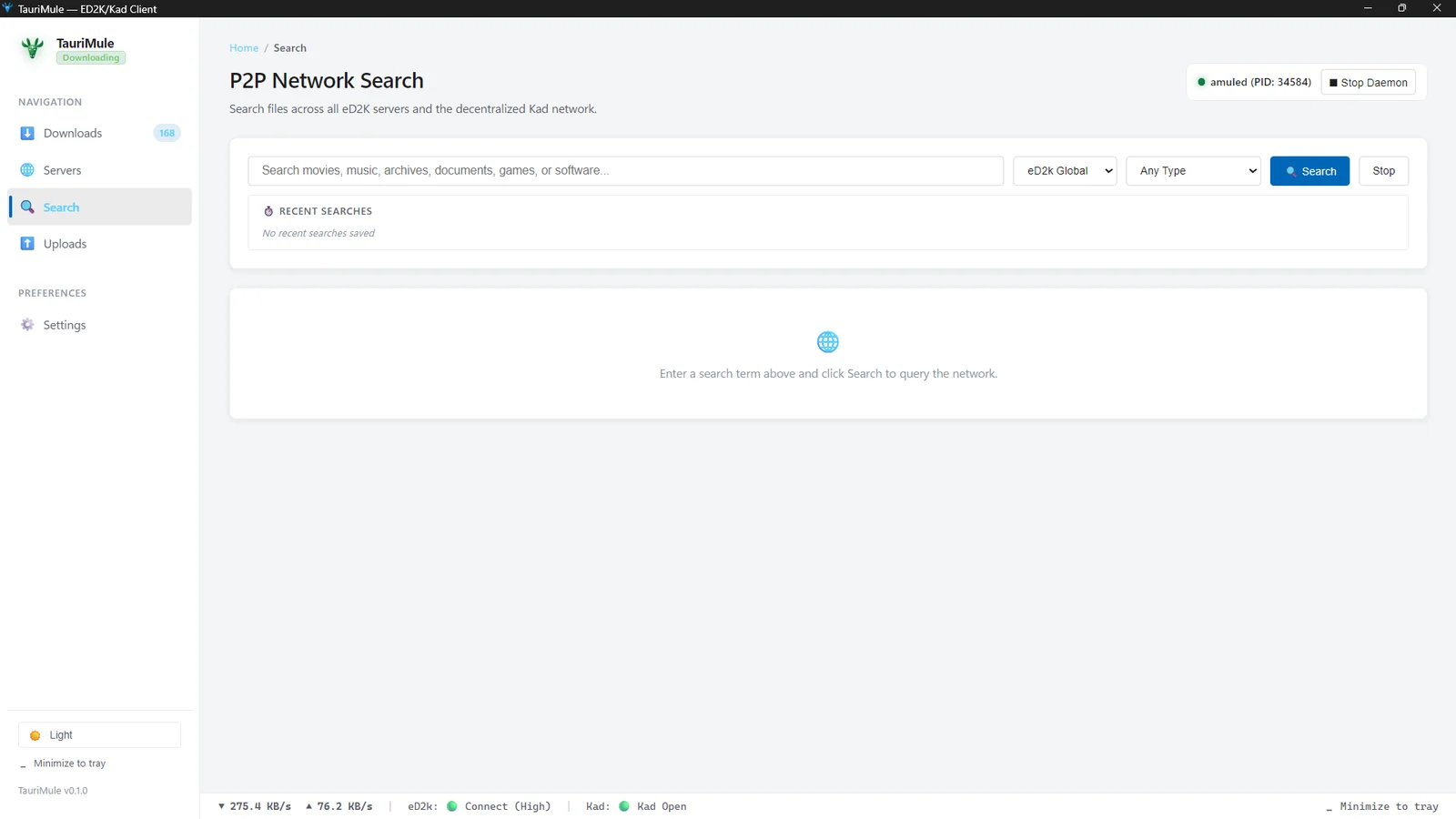
Multi-Tab P2P Search & History Memory
One of the most frustrating aspects of classic P2P clients is having to wipe out or overwrite search results whenever you want to perform a new query. TauriMule solves this with an independent tabbed search workspace:
- Dedicated Tabs per Search: each query ("Ubuntu", "Debian", "Classical music") spawns its own tab with its own live result counter. You can switch between active searches without losing previously retrieved results or re-querying the network.
- Network & Type Filtering: search across Global eD2K servers, the decentralized Kad DHT network, or local servers, restricted by file category (Video, Audio, Software, Archive, Document).
- Recent Search Memory with Individual Deletion: interactive history chips below the search bar. Each chip features an individual
✕button to remove specific items without needing to run the query or clear the entire history.
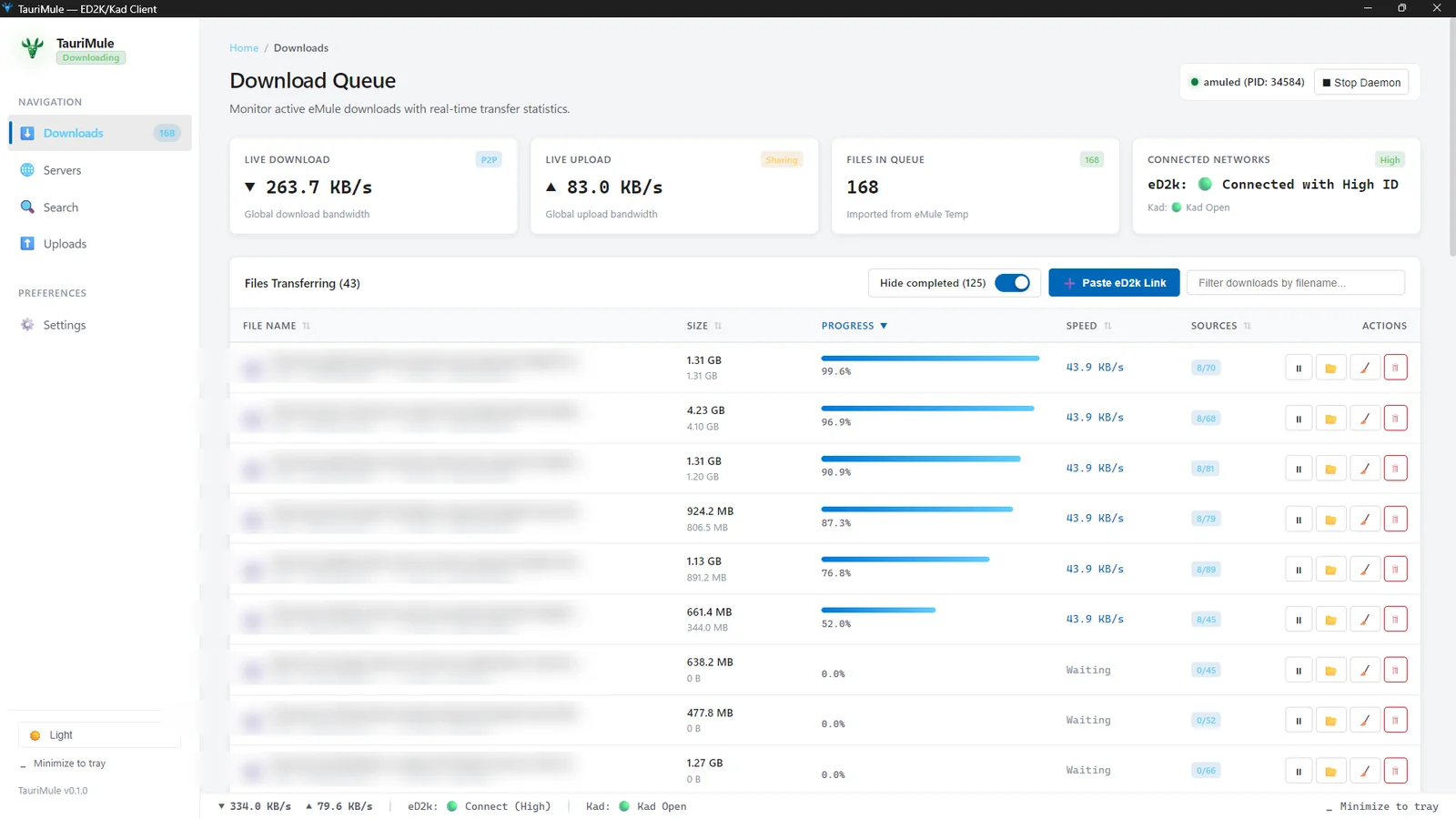
Downloads Queue and the Fluent Toggle Switch
The transfer panel was built from scratch to give you complete visibility into every byte:
- Real-Time Bandwidth: live download and upload transfer rates, estimated time of arrival (ETA), received chunk indicators, and progress bars with gradient fills.
- Fluent Toggle Switch for Completed Downloads: a sleek WinUI 3 toggle switch allows you to show or hide finished files. Completed transfers are hidden by default to keep your active workspace organized, while displaying a live badge (e.g., Hide completed (70)) and saving your preference in
localStorage. - Direct File Launcher & Folder Explorer: double-click or right-click any completed download to launch it in Windows default media player or reveal its location in File Explorer.
Smart Filename Cleaner with Side-by-Side Diff
Files shared across P2P networks frequently carry ugly scene tags, release groups, and encoding noise (1080p, 4K, x265, HEVC, brackets, dots). TauriMule includes an integrated smart filename cleaner:
- Automatically detects and removes release metadata using pattern recognition.
- Displays a visual side-by-side diff preview before queuing or renaming the download, striking through removed characters in red and highlighting the clean output in green.
- Supports batch cleaning or manual editing of the target filename.
Batch eD2K Link Parser
The header bar includes an eD2K link dialog capable of parsing single links or multi-line batch lists. It computes the cumulative download size and automatically cleans up Spanish accented titles and broken metadata tags.
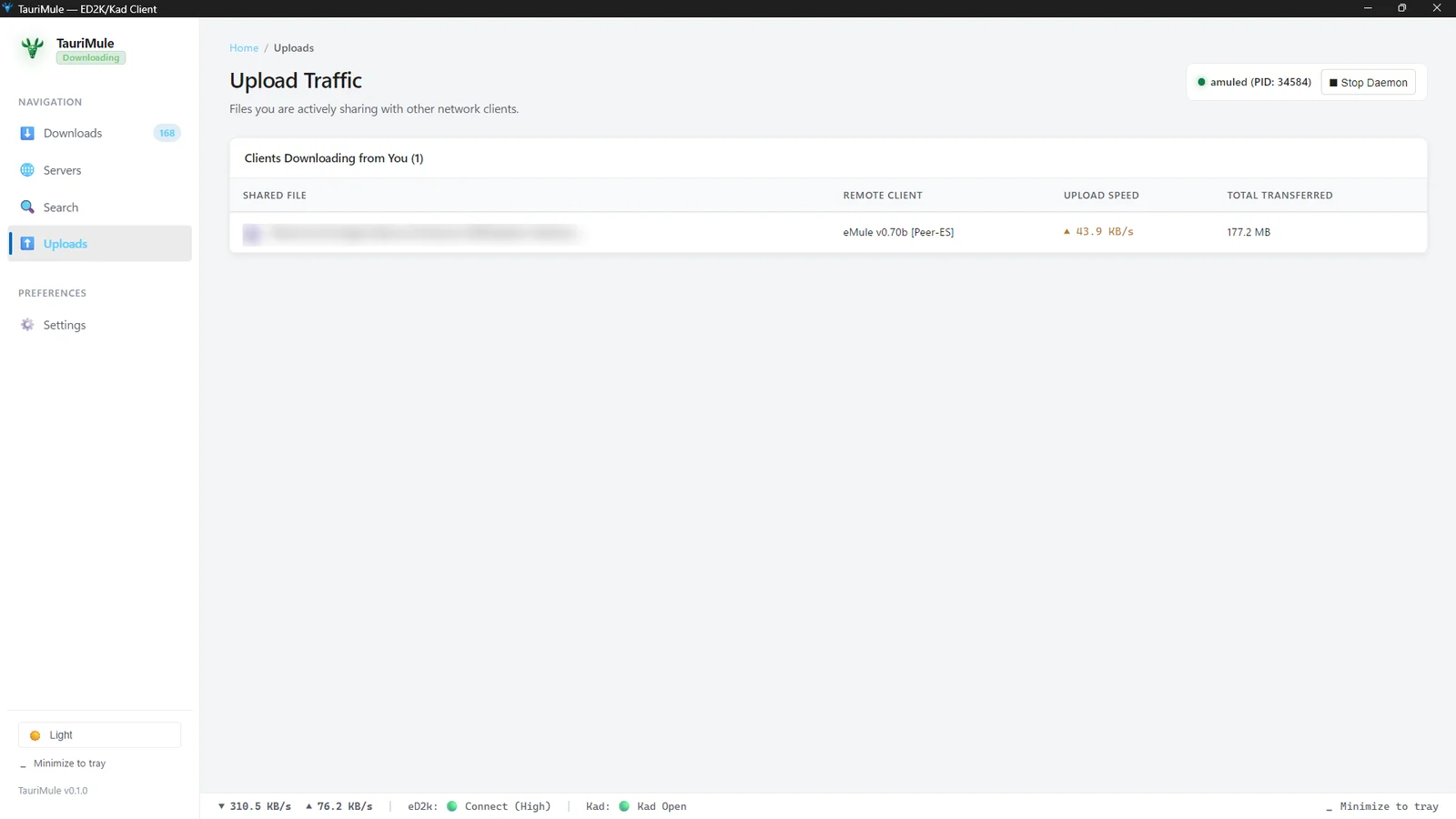
Upload Monitor & P2P Credit System
P2P networks thrive on reciprocity. In the Uploads view, TauriMule monitors shared traffic in real time, calculating upload speeds and leveraging the official eMule/aMule credit system: the more data you upload to a peer, the higher priority you earn in their download queue when requesting parts.
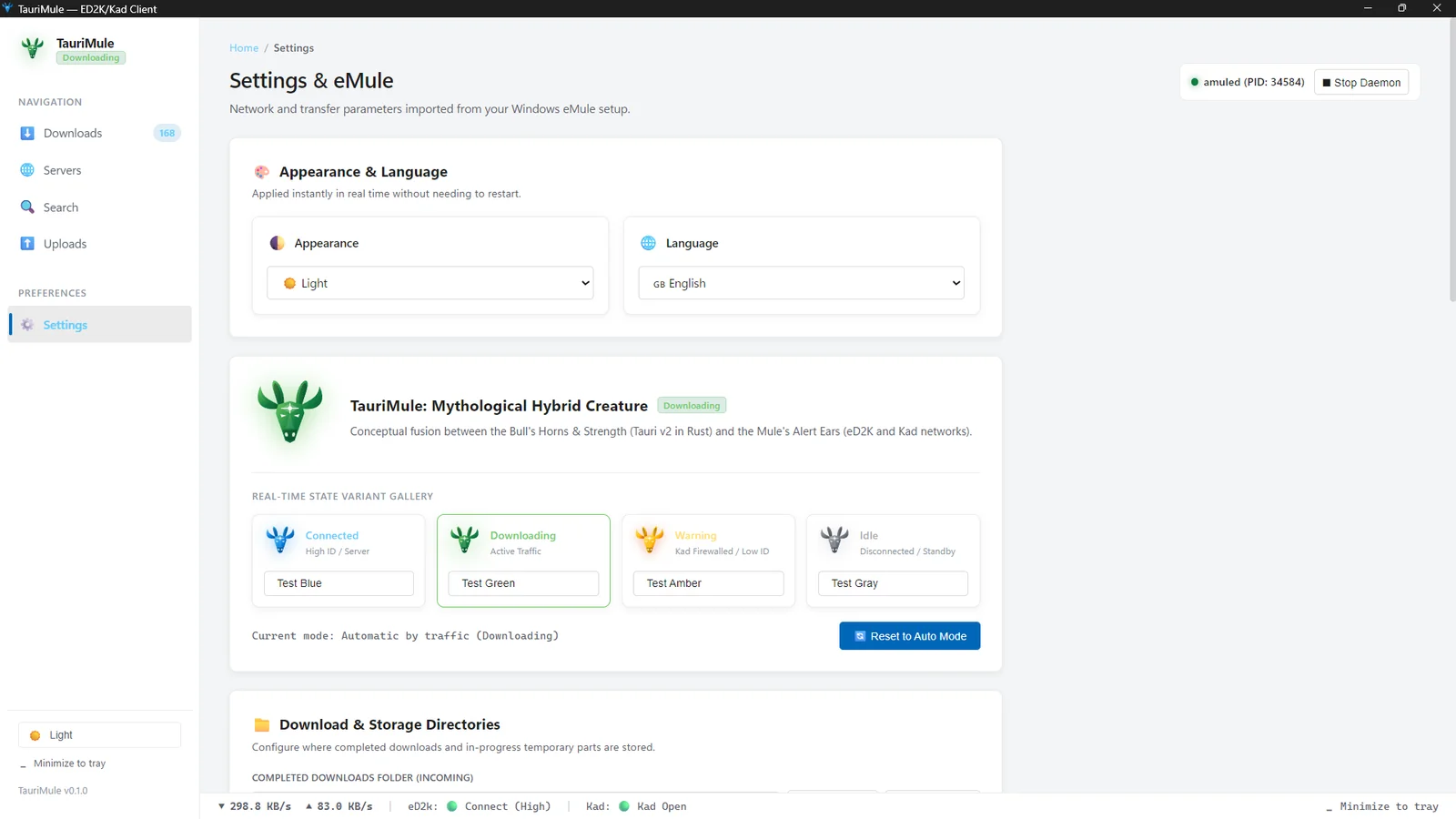
Settings, eMule Migration & Portability
The settings panel makes it straightforward to configure the application to your network:
- Migration Assistant: built-in script to automatically import settings, credits (
cryptkey.dat,preferences.dat), and server lists from an existing eMule or aMule installation. - Server List Auto-Update (
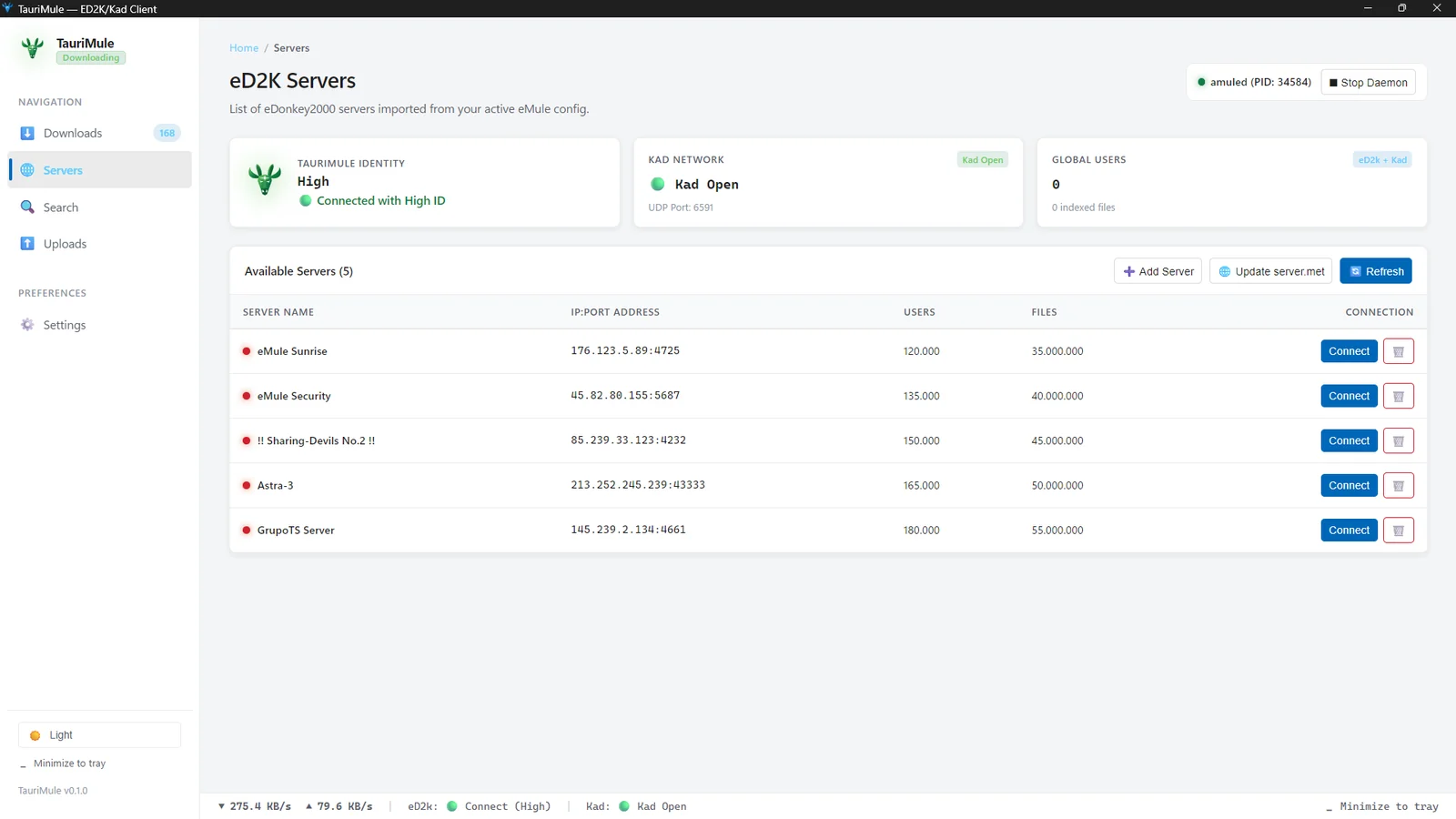
server.met): one-click download of verified server lists from trusted community URLs. - Bandwidth & Port Allocation: configure download/upload bandwidth caps and custom network ports.
- Live Multilingual Support (i18n): switch on-the-fly between English, Spanish, French, and German without restarting.
Legal Disclaimer & Terms of Use
TauriMule is strictly an independent, open-source Graphical User Interface (GUI / Frontend). Neither the software nor its author hosts, indexes, tracks, or distributes any files or content, nor operates P2P servers or infrastructure. The end user assumes sole legal responsibility for their network activity and compliance with applicable copyright legislation.
Download & Source Code
You can download the latest Windows release of TauriMule from the GitHub Releases page.
The complete source code is licensed under GNU GPLv3 and available on GitHub.
Issues & Feedback
Feel free to report any bugs, request enhancements, or share feedback on the GitHub Issues tracker.